Check the opener's power, turn off wall-control LOCK mode, and clean and align the safety sensors before changing settings or replacing parts. Many Chamberlain garage door opener problems come from simple power, sensor, remote, keypad, programming, or Wi-Fi issues.
For safe and accurate Chamberlain garage door opener repair, homeowners can handle basic checks such as replacing batteries, cleaning photo-eye sensors, reconnecting myQ, and programming compatible remotes. However, recurring diagnostic codes, damaged wiring, an unusually heavy door, broken springs, logic board issues, or a motor that only hums usually require professional garage door opener repair.
This guide explains how to troubleshoot common Chamberlain and LiftMaster opener problems, including blinking lights, safety sensors, travel limits, logic board problems, wall control issues, remote programming, myQ Wi-Fi connectivity, and motor failures. Mr. Spring provides local Chamberlain and LiftMaster opener diagnostics and repair throughout Minneapolis, St. Paul, and the Twin Cities metro.
Disclaimer: This guide is for general homeowner education. Opener symptoms, door balance, parts, labor, and pricing can vary by model and door condition. Price ranges are estimates, not guaranteed quotes. Do not bypass safety devices, open electrical parts, or adjust springs; have a qualified technician inspect the door and opener.
Need expert help now? Visit our garage door opener repair page or Call Now: (612) 416-0091.
If your Chamberlain or LiftMaster opener is not working, start with power, LOCK mode, remote batteries, safety sensors, and the door's manual movement before changing travel limits or replacing parts. If the opener hums, smells burnt, trips the breaker, shows recurring codes, or the door feels heavy, stop and schedule professional service.
Need opener help today? Call Now: (612) 416-0091 for Chamberlain and LiftMaster opener diagnostics in Minneapolis, St. Paul, and the Twin Cities metro.
Start with these safe checks before changing opener settings or replacing parts:
A garage door opener should move a balanced door. It should not be used to force a broken spring, damaged cable, bent track, stuck roller, frozen bottom seal, or poorly balanced garage door.
Stop using the opener and call a trained technician if:
These symptoms can involve dangerous garage door hardware, internal electrical components, or opener parts that should not be repaired without proper training.
| Problem | Safe First Check | When to Call for Repair |
| Opener lights flash and the door will not close | Clear the doorway and align the safety sensors | Wiring is damaged or alignment will not hold |
| Remote does not work | Replace the battery and check LOCK mode | No compatible remotes work after correct programming |
| Wall control is dead | Confirm opener power and inspect visible low-voltage wires | Wiring is damaged or the control remains unresponsive |
| Door stops early or reverses | Clear obstructions and check door movement | Travel settings will not save or the door binds |
| myQ is offline | Check 2.4 GHz Wi-Fi, app setup, and router | Local controls also fail |
| Motor hums but door does not move | Stop after one attempt | Door is heavy, stuck, frozen, or hard to lift |
| Opener acts unpredictably | Record diagnostic flashes and power-cycle once | Recurring codes suggest wiring, receiver, travel module, or logic board trouble |
Before assuming the Chamberlain opener has failed, inspect the garage door system. The opener may be reacting to resistance from damaged hardware or an unbalanced door.
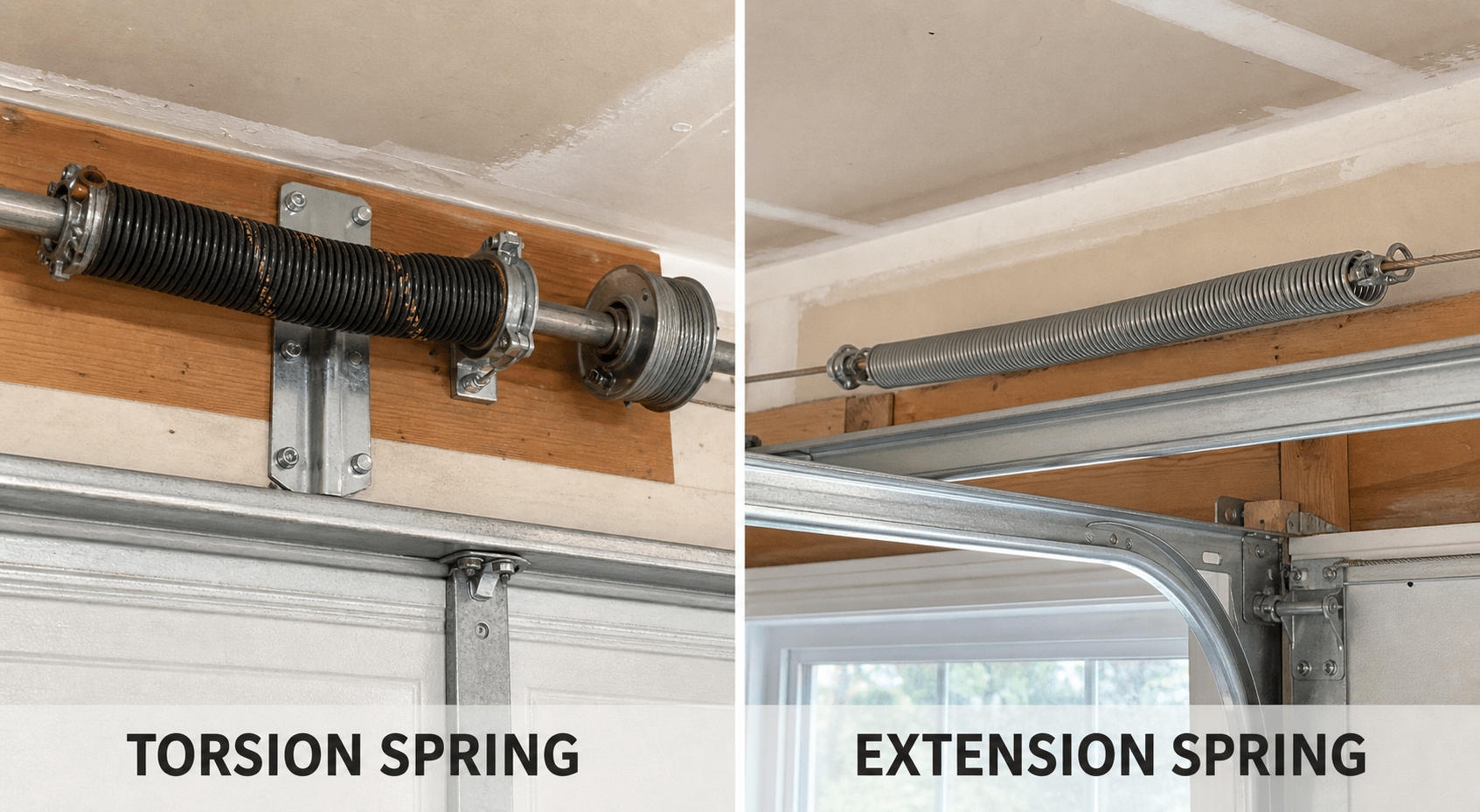
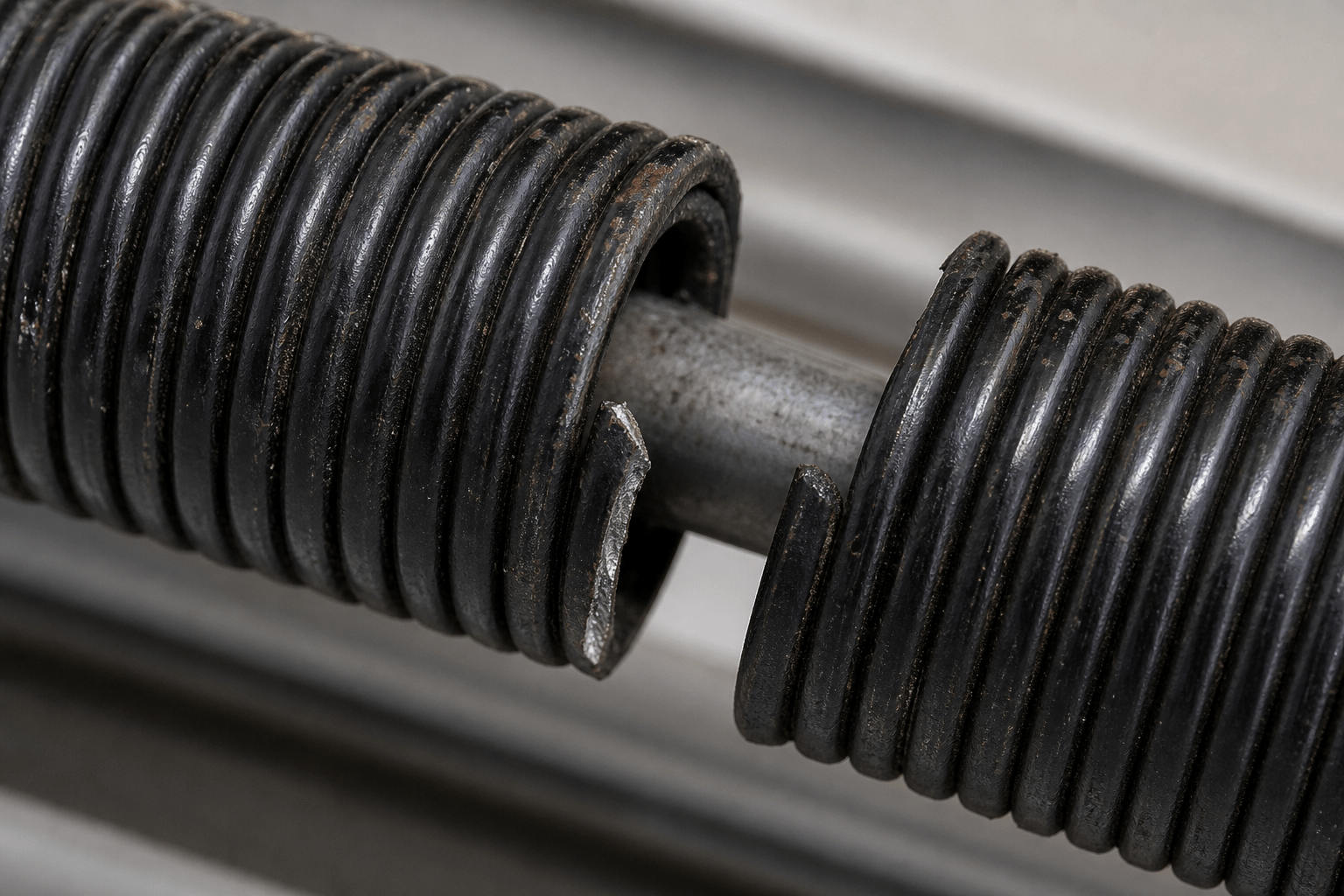
With the door fully closed, look for loose or hanging lift cables, a visible gap in a torsion spring, bent tracks, a crooked bottom section, stuck rollers, separating sections, damaged hinges, or a frozen bottom seal.
Do not pull the emergency release when the door is open, crooked, or unsupported. A door with failed counterbalance hardware can fall suddenly.
If the closed door appears intact, disconnect the opener only as directed by the owner's manual. Lift the door manually to about waist height. It should move smoothly and remain reasonably in place.
If the door feels extremely heavy, binds, falls, or rises unevenly, stop. The door system must be repaired before the opener can be diagnosed accurately.
Chamberlain and LiftMaster openers use lights and diagnostic codes to help identify problems. The main courtesy lights, LEARN-button LED, Wi-Fi LED, and UP and DOWN arrows can communicate different conditions.
Stand where you can see the motor unit without entering the door's path. Activate the opener once, count the UP-arrow flashes, wait for the pause, and then count the DOWN-arrow flashes. Write the pattern down, such as "1 up, 4 down," and compare it with the diagnostic chart for the exact opener model.
Do not assume every Chamberlain or LiftMaster opener uses the same codes. Check the owner's manual or official Chamberlain support guide for the exact model.
When a door opens normally but reverses or refuses to close, clean, clear, and align the safety sensors before adjusting opener settings. The sensors are usually mounted near the bottom of the tracks, no more than six inches above the floor.
One sensor sends an infrared beam, and the other receives it. If the beam is blocked, dirty, misaligned, or interrupted by sunlight, the opener may refuse to close.
Direct sunlight can interrupt the receiving sensor. If the problem happens at the same time each day, temporarily shade the receiving lens to test for glare.
Never bypass, cover, raise, or permanently override the safety sensors.
Call a professional when a sensor LED stays off, wiring is cut or pinched, alignment will not remain steady, or the opener continues displaying a sensor fault even though the beam is clear.
Low-voltage wiring may be damaged inside a wall or under a staple. A failed sensor or logic board can also resemble a basic alignment problem.
If the door stops early, reverses, or will not close fully, check for resistance before changing travel or force settings.
Travel limits tell the opener where the fully open and fully closed positions are. Incorrect settings may leave a gap, press the door too hard against the floor, or trigger an early reversal.
Before reprogramming travel, inspect for snow or ice at the threshold, a frozen bottom seal, stiff rollers, bent tracks, damaged hinges, poor balance, a binding door section, or an object in the opening.
Programming cannot correct a damaged, frozen, or poorly balanced garage door.
Use only the travel-setting procedure for the exact model. Older openers may use adjustment screws. Newer Chamberlain and LiftMaster models may use UP, DOWN, and adjustment buttons on the motor unit.
Make small changes and complete the model's required test cycle. If the opener will not enter programming mode, travel settings will not save, or the door still reverses after correct programming, schedule repair.
These symptoms can involve the travel module, RPM sensor, internal drive system, safety sensors, or logic board.
Power-cycle the opener once and confirm the outlet works before suspecting the logic board. If the same multi-control problem returns, document the symptoms and arrange diagnosis.
The logic board receives signals from the remotes, keypad, wall control, safety sensors, travel system, receiver, motor, and myQ hardware. Because it manages several functions, one board problem can resemble multiple unrelated failures.
Unplug the opener and wait approximately one minute. Restore power and test one command. If the same fault immediately returns, record the code or behavior rather than repeatedly resetting the unit.
Do not open the motor housing, probe energized terminals, or order a logic board from one symptom alone. Compatibility depends on the opener model, manufacturing date, radio system, LEARN-button type, drive system, and installed accessories.
Professional testing can prevent an expensive board replacement when the true problem is a sensor wire, wall control, travel module, power issue, receiver, or damaged door hardware.
Check opener power and LOCK mode first, then inspect only visible low-voltage wall-control wiring after disconnecting power.
A wall control that remains dark or unresponsive may have a wiring, control-panel, power, or logic-board problem.
Disconnect the opener from power before touching visible wall-control wires. Do not remove concealed wiring or open the motor unit.
When the wall button works but the remotes do not, LOCK mode is one of the first settings to check. On supported Chamberlain and LiftMaster wall controls, LOCK mode disables radio remotes while still allowing operation from the wall control.
Professional diagnosis is appropriate when the control becomes hot, wiring is damaged, several accessories fail, or a compatible replacement panel does not solve the problem.
Check the LEARN-button color before buying or programming a remote or keypad because it helps determine accessory compatibility.
Remote and keypad problems commonly result from a dead battery, LOCK mode, erased programming, radio-frequency interference, an incompatible replacement device, a damaged accessory, or a failed receiver.
If only one remote fails, replace its battery and reprogram it. If every remote fails but the wall control works, check LOCK mode before assuming the receiver has failed.
Do not hold the LEARN button down. Holding it too long may erase all programmed remotes and keypads. Use the official Chamberlain remote-programming instructions for the specific opener and accessory.
Arrange service if no compatible accessories work after correct programming, the range suddenly becomes extremely short, or all devices repeatedly lose programming. If the opener activates without a command, stop using it and arrange diagnosis after clearing the programmed accessories.
Confirm that the wall control still operates the door before treating a myQ connection problem as an opener failure. If the wall control works, focus on the network, app, account connection, and Wi-Fi signal. If local controls also fail, troubleshoot the opener first.
A solid green Wi-Fi LED generally indicates a server connection, although other colors and patterns vary by setup stage.
Call a technician when myQ issues occur with failed wall controls, failed remotes, repeated diagnostic codes, suspected surge damage, or other logic board symptoms. If only the internet connection is affected, the router manufacturer or internet provider may be the better source of help.
Stop after one attempt when the opener hums, clicks, or stalls. Repeated commands can damage the motor, rail, gear assembly, belt, chain, trolley, or door system.
A hum or click confirms that the opener received a command, but it does not identify the failed component.
Look for ice around the bottom seal and visible obstructions. Do not use the opener to pry a frozen door from the floor. Do not touch springs, lift cables, drums, or internal electrical components.
Professional service is necessary when the motor hums without movement, the opener clicks but does not run, the unit smells hot or burnt, the breaker repeatedly trips, the motor stops after a few seconds, the rail or trolley is damaged, the door is difficult to lift manually, or the opener overheats.
A technician should inspect door balance and the drive system before concluding that the motor itself has failed.
Clear snow and ice from the threshold before operating the opener because frozen weather stripping and packed snow can stop the door from completing its travel.
Cold weather can expose existing weaknesses in the door and opener system. Thick lubricant, contracting metal, hardened seals, stiff rollers, and marginal wiring connections can all increase resistance.
Repeated cold-weather failures justify a professional inspection of the door balance, rollers, wiring, travel settings, safety sensors, and drive system.
Homeowners can safely perform basic power, battery, sensor, LOCK-mode, Wi-Fi, and compatible remote-programming checks when the door is balanced and undamaged.
Travel-limit adjustment may be reasonable when the owner's manual is available and the exact model procedure is followed. The door must be balanced, move freely, and show no spring, cable, roller, or track damage.
Unplug the opener before touching visible wiring or removing a light cover. Keep people, pets, vehicles, tools, and ladders outside the door's path during testing.
Call for service when the problem involves door imbalance, damaged hardware, electrical symptoms, recurring codes, or internal opener parts.
A technician can determine whether the failure is inside the Chamberlain or LiftMaster opener or within the garage door system it is attempting to move.
Price note: The ranges below are general planning estimates, not guaranteed quotes. Final pricing can change after a technician checks the opener model, failed part, door balance, safety system, wiring, and parts availability.
Chamberlain garage door opener repair cost depends on the failed component, opener age, parts availability, diagnostic time, labor, and whether the garage door also needs adjustment. Clear price ranges help homeowners compare repair versus replacement before scheduling service.
| Service or Opener Type | Typical Price / Installed Range | Best Fit |
| Remote, keypad, or programming help | $95-$175 | Lost programming, weak range, keypad setup, or accessory pairing |
| Safety sensor repair or replacement | $125-$250 | Flashing lights, door will not close, or sensor LEDs will not stay steady |
| Wall control or low-voltage wiring repair | $125-$300 | Dead wall button, LOCK mode issues, or visible wiring trouble |
| Travel limit or force setting diagnosis | $125-$250 | Door stops early, reverses, or will not close fully after safe checks |
| Gear, trolley, belt, chain, or drive repair | $175-$450 | Grinding, slipping, clicking, or opener movement problems |
| Logic board or receiver diagnosis/replacement | $250-$500+ | Multiple controls failing, recurring codes, surge damage, or receiver failure |
| Basic chain-drive opener installation | $450-$750 | Detached garages and value-focused replacements |
| Quiet belt-drive opener installation | $650-$1,100 | Attached garages, bedrooms near the garage, and quieter daily use |
| Smart belt-drive opener with backup power | $850-$1,400+ | myQ access, battery backup, alerts, and higher-convenience setups |
| Wall-mount opener installation | $1,100-$1,800+ | High ceilings, ceiling storage, and compatible torsion-spring doors |
These ranges are planning estimates. A technician should inspect door balance, safety reversal, wiring, travel operation, opener age, and model compatibility before giving the final repair or replacement price.
Want the exact installed price for your opener? Call Now: (612) 416-0091 and ask Mr. Spring for Chamberlain or LiftMaster opener repair and installation options.
A Chamberlain opener can remain usable for many years when the garage door is balanced, the rail is secure, and the safety and drive systems are maintained.
Opener life may be shortened when the unit repeatedly lifts an unbalanced door, operates with worn springs, fights frozen weather stripping, or runs with stiff rollers and excessive resistance.
Age should be considered together with condition, parts availability, safety features, noise, repair history, and the cost of the current failure.
Repair usually makes sense when the door is balanced and the problem is limited to an available sensor, control, remote, keypad, gear, receiver, travel module, or compatible logic board.
Replacement may provide better value when major parts are no longer available, several opener systems are failing, the unit requires frequent repairs, the motor or drive system has major damage, the opener lacks desired safety or access features, repair approaches replacement cost, or the existing opener is incompatible with needed accessories.
A hands-on diagnosis is the safest way to compare repair and replacement.
Remote programming and travel-limit programming are separate procedures and should be completed using instructions for the exact model.
Remotes and keypads usually pair through the LEARN button or compatible wall control. Travel-limit programming sets the opener's fully open and fully closed positions using adjustment screws or motor-unit buttons, depending on the model.
Check the owner's manual before changing either setting. If the door cannot complete a smooth test cycle after travel programming, stop. A binding or unbalanced door cannot be corrected through programming.
Schedule an inspection when operation changes, after the door is hit, before winter when cold-weather problems are common, or as part of routine garage door maintenance.
A service visit should check door balance, safety reversal, photo-eye sensors, rail and mounting hardware, visible wiring, wall controls, remotes and keypad, travel and force operation, trolley and drive components, belt or chain condition, motor unit operation, and logic board symptoms.
Garages used as the home's main entrance may require more frequent attention than doors operated only a few times each week.
A blocked or misaligned safety sensor is the most common first check. Ten flashes from the main opener lights commonly indicate a safety-reversing sensor issue on applicable models. Clean the lenses, clear the beam, and align the sensors until their LEDs remain steady. Check the model-specific chart when the UP and DOWN arrows are flashing.
Chamberlain and LiftMaster are separate brands owned by Chamberlain Group. They share technologies such as Security+ and myQ on compatible products, but parts, accessories, controls, and programming procedures are not universally interchangeable. Verify compatibility using the opener model and LEARN-button type.
The wall control may be in LOCK mode, the remote battery may be weak, or the remote may have lost programming. Confirm compatibility and follow the instructions for the specific accessory. If every remote fails after these checks, the receiver or logic board may need diagnosis.
No. Safety sensors help prevent the door from closing on a person, pet, vehicle, or object. Do not bypass, cover, relocate, or permanently override them. Repair the alignment, wiring, sensor, or control problem instead.
The opener may be detecting an obstruction, a sensor interruption, resistance at the floor, binding door movement, or an incorrect down-travel position. Clear the opening and inspect the sensors first. If the door binds manually or still reverses after correct travel setup, schedule service.
No single symptom proves that a logic board has failed. Multiple controls failing, settings disappearing, recurring codes, or erratic operation may point toward the board. Damaged wiring, sensors, wall controls, power issues, receivers, and travel modules can create similar symptoms, so those inputs should be tested first.
The opener's mechanical operation and internet connection are separate functions. When the wall control still works, check the myQ app, Wi-Fi LED, password, router, and 2.4 GHz signal. When local controls also fail, diagnose the opener rather than the internet connection.
Common causes include lost power, LOCK mode, a dead remote battery, damaged wall-control wiring, lost programming, or a motor-control problem. Check the power supply, wall control, battery, and diagnostic lights before changing programming. Stop pressing the control panel if the door jerks, tilts, binds, or reverses.
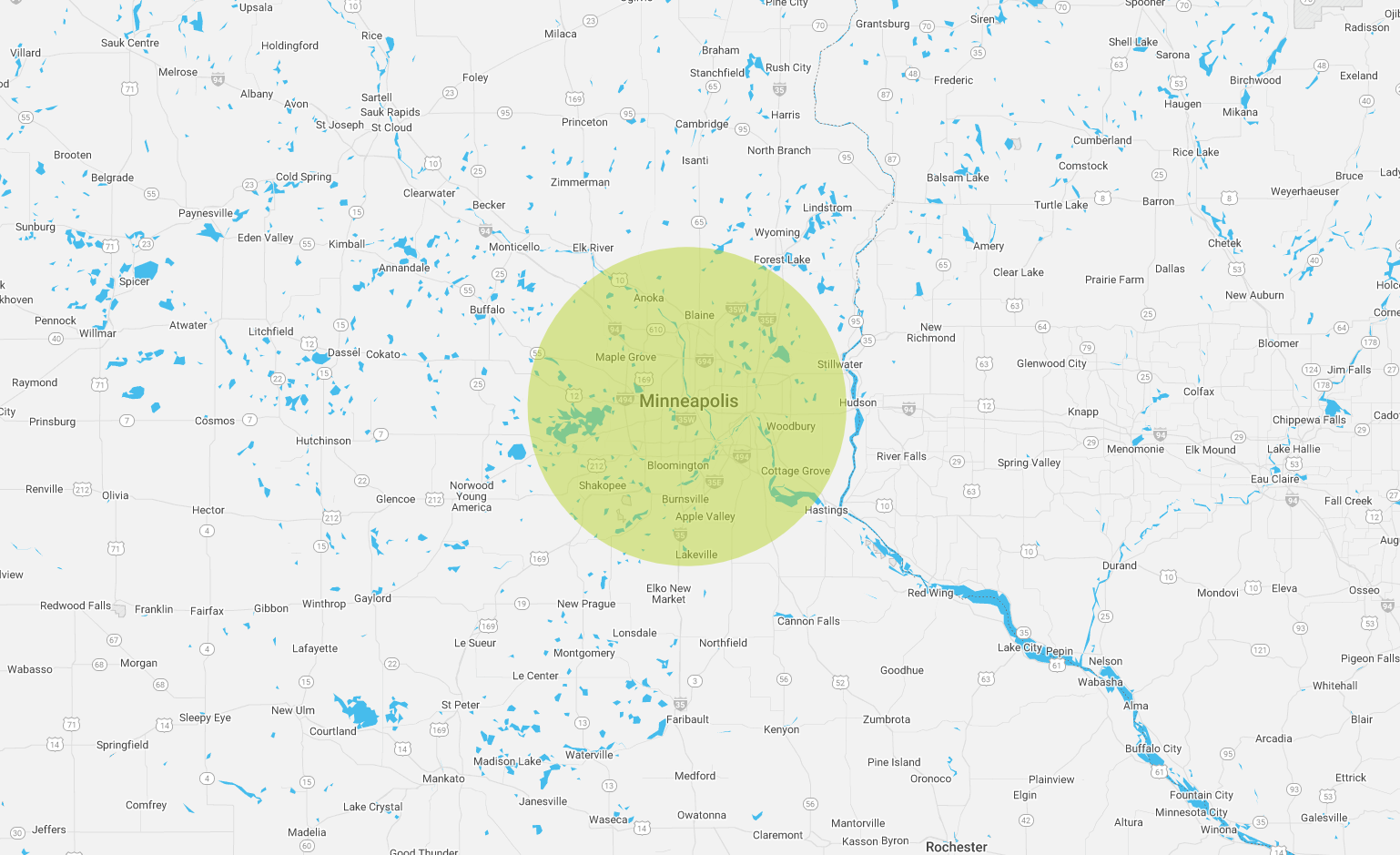
Mr. Spring repairs Chamberlain and LiftMaster garage door openers throughout Minneapolis, St. Paul, and the surrounding Twin Cities metro. Service can include opener diagnostics, safety sensor repair, remote programming help, wall control repair, travel-limit troubleshooting, myQ issue diagnosis, logic board testing, motor repair, and drive-system inspection.
Call for local service when basic checks do not restore safe operation or the opener continues showing motor, sensor, wiring, travel, receiver, logic board, or electrical faults.
Mr. Spring diagnoses Chamberlain and LiftMaster opener problems throughout Minneapolis, St. Paul, and the surrounding Twin Cities metro.
A complete diagnostic visit may include garage door balance, springs and lift cables, safety sensors, wall controls, remotes and keypad, visible wiring, travel operation, rail and trolley, belt or chain drive components, motor unit, receiver, logic board, and myQ-related opener faults.
The purpose of the inspection is to identify the failed system before recommending repair or replacement.
Need Chamberlain garage door opener repair in Minneapolis, St. Paul, or the Twin Cities metro? Mr. Spring diagnoses and repairs Chamberlain and LiftMaster opener problems, including flashing lights, safety sensor failures, travel-limit issues, wall control problems, remote programming issues, keypad issues, myQ connectivity faults, logic board trouble, motor failures, and drive-system problems.
Mr. Spring also installs opener replacements when repair is not the best value, including basic chain-drive openers, quieter belt-drive openers, smart myQ-compatible openers with backup power, and wall-mount opener options for compatible doors. Typical installed opener ranges run from about $450-$750 for basic chain-drive replacements, $650-$1,100 for quiet belt-drive replacements, $850-$1,400+ for smart belt-drive units with backup power, and $1,100-$1,800+ for wall-mount installations.
Call to check the earliest available appointment for opener diagnostics or repair across Minneapolis, St. Paul, Maplewood, Roseville, Woodbury, White Bear Lake, Bloomington, Eden Prairie, and nearby Twin Cities communities.
Visit our garage door opener repair page or Call Now: (612) 416-0091.
About the Author
Tyler Kurr is the general manager of Mr. Spring Garage Doors, serving Minneapolis and St. Paul. The company was built to fix what homeowners dread about garage door service, unanswered calls, unclear pricing, and missed appointments from other companies. We built Mr. Spring around the opposite: upfront pricing, on-time service, and a guarantee that if a repair isn’t done right, we send a technician back at no charge. Mr. Spring holds a 5.0-star rating across 1,300+ reviews.
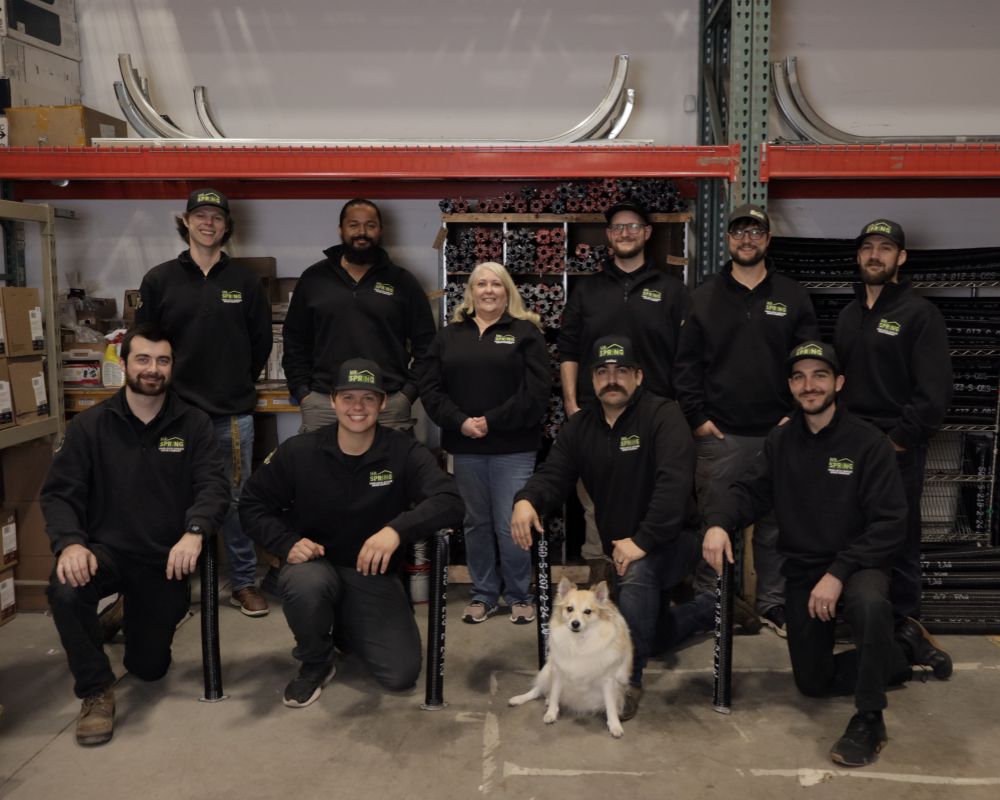
At Mr. Spring Garage Doors, we don't perform surface-level tune-ups. We deliver detailed inspections designed to catch issues early and prevent costly system failures. Our technicians are trained to identify wear patterns that less experienced providers often miss, helping you avoid unnecessary repairs and replacements.
Preventative maintenance is not an upsell. It is a smart investment in reliability, safety, and long-term cost control. Waiting for a breakdown often leads to more extensive damage and higher repair costs.
We are a locally owned and operated business serving the Twin Cities metro. Our owner, Joe Schwartz, is a lifelong Minnesotan who understands firsthand the demands that Minnesota weather places on garage door systems year-round. Every maintenance visit we perform is built around protecting your system for the long haul, not just getting through the call.
If your garage door has not been professionally serviced within the past year, now is the time. Schedule your maintenance today and keep your system running smoothly while avoiding unexpected expenses.
Key Takeaways: